






What Is DNS? How the Domain Name System Works
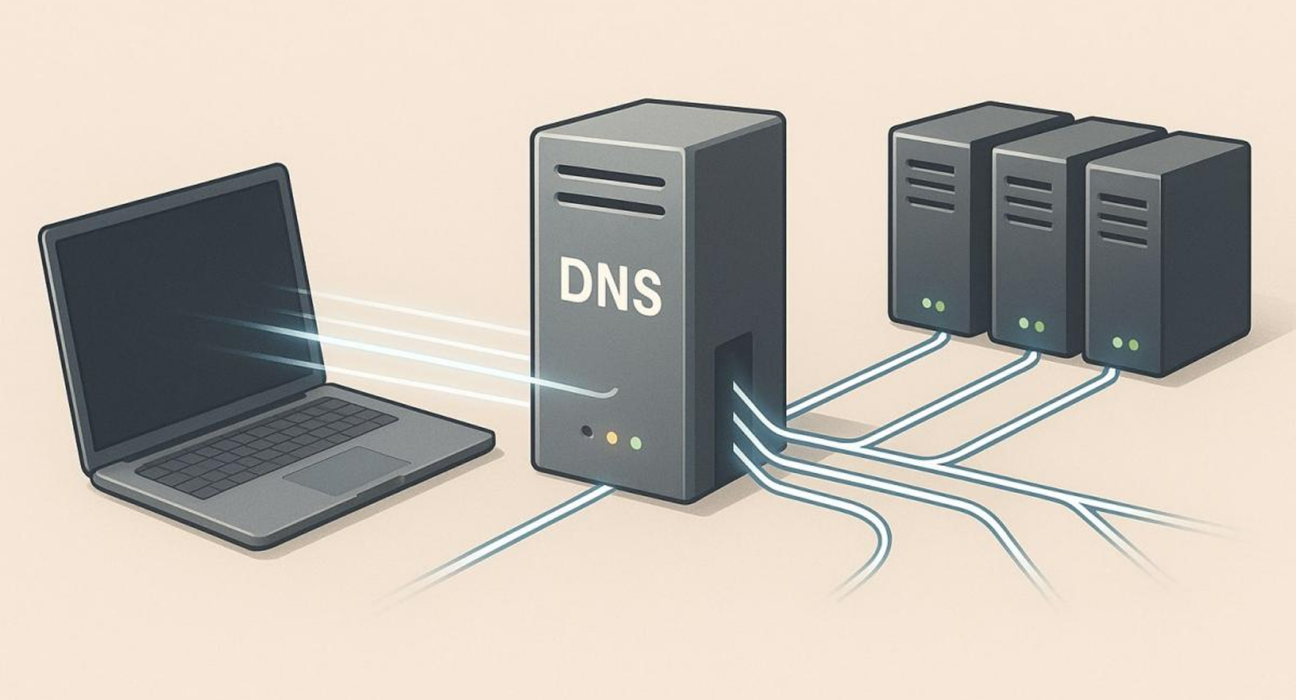
Every time you visit a website, your browser needs to find the computer where that website is hosted.
You might type a simple address such as a website’s domain name into your browser, but computers communicate across the internet using numerical IP addresses.
So how does your browser know where to go?
The answer is DNS, or the Domain Name System.
DNS acts like a directory for the internet. It helps translate human-readable domain names into the IP addresses that computers and networks can use.
Without DNS, browsing the modern web would be much more complicated.
What Is DNS?
DNS stands for Domain Name System.
Its primary purpose is to translate domain names into IP addresses.
For example, instead of requiring users to remember a numerical address, they can type a domain such as:
example.com
DNS helps determine the corresponding IP address associated with that domain.
The basic idea is:
Domain name → DNS lookup → IP address → Website
This happens automatically when you visit a website.
Why Do We Need DNS?
Computers communicate using IP addresses.
An IPv4 address might look something like:
203.0.113.10
An IPv6 address can look considerably more complex.
Remembering numerical addresses for every website would be extremely inconvenient.
DNS allows people to use recognizable names instead.
It’s much easier to remember:
example.com
than:
203.0.113.10
DNS therefore creates a bridge between human-friendly names and network addresses.
How Does DNS Work?
When you enter a website address into your browser, your device needs to determine the IP address associated with that domain.
A simplified process looks like this:
- You enter a domain name.
- Your device checks whether it already knows the IP address.
- A DNS resolver is contacted if necessary.
- The resolver searches for the required DNS information.
- The IP address is returned.
- Your browser connects to the website’s server.
All of this can happen very quickly.
What Is a DNS Resolver?
A DNS resolver is a service that helps find the IP address associated with a domain name.
Your device may be configured to use a resolver provided by:
- Your internet service provider
- A public DNS provider
- Your organization
- Another network service
The resolver acts as an intermediary between your device and the wider DNS system.
What Is DNS Caching?
DNS lookups don’t necessarily have to start from scratch every time.
DNS information can be temporarily stored, or cached, at different levels.
Caching can occur on:
- Your device
- Your browser
- Your operating system
- A DNS resolver
- Other network infrastructure
If the required DNS information is already cached, the lookup can often be completed faster.
What Is DNS TTL?
DNS records have a value called TTL, or Time to Live.
TTL determines how long a DNS record can generally remain cached before it should be refreshed.
For example, a domain administrator might configure a record with a TTL of several hours.
During that period, systems that have cached the record may continue using the cached information rather than requesting it again.
This is one reason DNS changes aren’t always visible everywhere immediately.
What Is a DNS Record?
A DNS record is information stored in the DNS system about a domain.
Different record types serve different purposes.
Some of the most common are:
- A
- AAAA
- CNAME
- MX
- TXT
- NS
Each serves a different function.
What Is an A Record?
An A record connects a domain or hostname to an IPv4 address.
For example:
example.com → IPv4 address
This tells systems where to find the relevant server using IPv4.
What Is an AAAA Record?
An AAAA record performs a similar function but points to an IPv6 address.
Because IPv6 addresses are different from IPv4 addresses, a separate record type is used.
What Is a CNAME Record?
A CNAME record creates an alias from one hostname to another hostname.
For example, one subdomain might point toward another domain name.
CNAME records are commonly used when different hostnames need to reference the same destination.
What Is an MX Record?
An MX record is used for email routing.
MX stands for Mail Exchange.
It tells email systems which mail servers should receive email for a domain.
For example:
yourdomain.com → Mail server
If MX records are incorrectly configured, email delivery can be affected even when the website itself works normally.
What Is a TXT Record?
TXT records allow domain owners to publish text-based information in DNS.
They are commonly used for purposes such as:
- Domain verification
- Email authentication
- Security policies
- Service verification
Technologies such as SPF and certain other email authentication mechanisms can use DNS records.
What Is an NS Record?
NS stands for Name Server.
NS records identify the authoritative name servers responsible for a domain’s DNS information.
In simple terms, they help indicate:
“These DNS servers are responsible for answering questions about this domain.”
What Are Nameservers?
Nameservers are DNS servers that provide authoritative information about domains.
When you register a domain, you generally need DNS to be managed somewhere.
This may be through:
- Your domain registrar
- Your hosting provider
- A dedicated DNS provider
- Another third-party service
You may therefore be asked to update your domain’s nameservers when moving DNS management from one provider to another.
DNS and Web Hosting Are Not the Same Thing
This is an important distinction.
Domain: The human-readable address.
DNS: The system that helps direct the domain to the appropriate services.
Hosting: The infrastructure where your website’s files or application run.
For example:
Domain: yourwebsite.com
DNS: Tells the internet where the domain should point.
Hosting: Stores and runs the actual website.
You can change DNS without necessarily moving the website itself.
What Happens When You Change DNS?
Suppose your website currently points to one hosting provider.
You move the website to another provider.
You may need to update DNS records so the domain points toward the new server.
Once the DNS information is updated and cached information expires or refreshes, users will gradually begin reaching the new destination.
This is commonly referred to as DNS propagation.
What Is DNS Propagation?
DNS propagation is the process through which updated DNS information becomes available through different DNS resolvers and cached systems.
People sometimes describe this as DNS taking time to “spread around the internet.”
More precisely, different systems may continue using cached records until their TTL expires or they otherwise refresh the information.
Because of caching, a DNS change may appear to work from one network before it works from another.
Can DNS Affect Whether a Website Works?
Yes.
Incorrect DNS configuration can prevent visitors from reaching a website.
Common problems include:
- Incorrect A record
- Incorrect AAAA record
- Wrong nameservers
- Missing DNS records
- Incorrect CNAME configuration
- Expired domain
- DNS service problems
- Incorrect SSL-related configuration
A website can be perfectly healthy on its hosting server and still be inaccessible if its DNS is pointing somewhere incorrectly.
DNS and Email
DNS is also extremely important for email.
A domain’s DNS configuration can contain records that help mail servers determine:
- Where incoming email should be delivered
- Which servers are authorized to send email
- Which policies should be applied to messages
This means DNS problems can affect email even when a website continues working normally.
What Is a Public DNS Service?
Some organizations provide public DNS resolvers that people can use instead of relying exclusively on their internet provider’s DNS resolver.
These services can sometimes provide:
- DNS resolution
- Security features
- Filtering options
- Performance optimization
- Additional privacy-related controls
However, changing DNS providers doesn’t automatically make your internet connection faster in every situation.
Performance depends on your network, location, resolver, caching, and other factors.
Is DNS Secure?
The original DNS system was not designed with today’s security environment in mind.
Various technologies have been developed to improve DNS security and privacy.
One example is DNSSEC, which can help validate that DNS responses haven’t been improperly modified.
Other technologies focus on encrypting DNS queries to improve privacy between the user and the DNS resolver.
However, DNS security depends on the specific technologies and configuration being used.
What Is DNSSEC?
DNSSEC stands for Domain Name System Security Extensions.
It adds cryptographic mechanisms that can help validate DNS information.
The goal is to make it more difficult for attackers to provide fraudulent DNS responses.
DNSSEC doesn’t encrypt ordinary DNS information.
Instead, it focuses primarily on authenticity and integrity.
What Happens If DNS Stops Working?
If DNS resolution fails, you may still have an internet connection but be unable to reach websites using their domain names.
For example, your computer could still technically be connected to the internet while your browser reports that a website cannot be found.
This is because the device may be unable to translate the domain name into the required IP address.
DNS problems can therefore look like general internet problems.
A Simple DNS Example
Imagine you type:
into your browser.
Your device needs to discover where that hostname points.
A simplified sequence could be:
↓
DNS Resolver
↓
DNS records
↓
IP address
↓
Web server
↓
Website loads
The real DNS architecture is more complex, but this model captures the basic idea.
Why DNS Is So Important
DNS is one of those internet technologies that most people rarely notice.
You don’t normally think about DNS when:
- Opening a website
- Sending an email
- Using an app
- Accessing an online service
But DNS is operating behind many of those activities.
Without a reliable name-resolution system, using the internet would be significantly less convenient.
Final Thoughts
DNS is essentially the internet’s naming and lookup system.
It connects human-friendly domain names with the network addresses computers need to communicate.
Understanding DNS becomes particularly useful when managing a website, changing hosting providers, setting up email, verifying a domain, or troubleshooting why a website isn’t loading.
The basic concept is simple:
You remember the domain name. DNS helps the internet find the destination.
And although the system is largely invisible to everyday users, DNS is one of the fundamental technologies that helps make the modern web work.