




What Is Cloud Gaming? How Game Streaming Works
Gaming has traditionally required powerful hardware.
If you wanted to play demanding games, you generally needed a gaming PC or console capable of running them.
Cloud gaming changes that model.
Instead of running the entire game locally on your device, cloud gaming allows the game to run on remote servers while your device receives the resulting video and sends your controls back to the server.
In simple terms, it works somewhat like streaming a movie—but interactively.
So how does cloud gaming actually work, what equipment do you need, and can it really replace a gaming PC or console?
What Is Cloud Gaming?
Cloud gaming is a method of playing video games where the game is processed on remote servers rather than entirely on the player’s local device.
The server handles tasks such as:
- Running the game
- Processing graphics
- Calculating game physics
- Managing the game environment
- Generating the video output
Your device receives the resulting video stream.
When you press a button or move a mouse, that input is sent back to the remote server.
The process happens continuously while you play.
The basic system looks like this:
Your controller → Internet → Cloud server → Game processing → Video stream → Your screen
How Is Cloud Gaming Different From Traditional Gaming?
In traditional gaming, your device performs most of the processing required to run the game.
For example:
Game software + GPU + CPU + RAM → Your display
With cloud gaming:
Game software + powerful hardware → Remote server → Internet → Your display
This means the device you’re using doesn’t necessarily need the same level of processing power as a traditional gaming machine.
How Does Cloud Gaming Work?
When you start a cloud game, several things happen.
Step 1: You Select a Game
You choose a supported game through the cloud gaming platform.
Step 2: A Remote Server Runs the Game
The game launches on a remote computer in a data center.
Step 3: The Server Generates the Graphics
The server’s CPU and GPU process the game.
Step 4: Video Is Sent to You
The resulting gameplay is compressed and transmitted to your device.
Step 5: You Send Controls Back
Your controller, keyboard, or mouse sends your actions through the internet.
Step 6: The Process Repeats
This happens continuously, creating the experience of playing a game locally.
The faster and more stable the connection, the better the experience can be.
What Devices Can Be Used for Cloud Gaming?
One of the biggest attractions of cloud gaming is device flexibility.
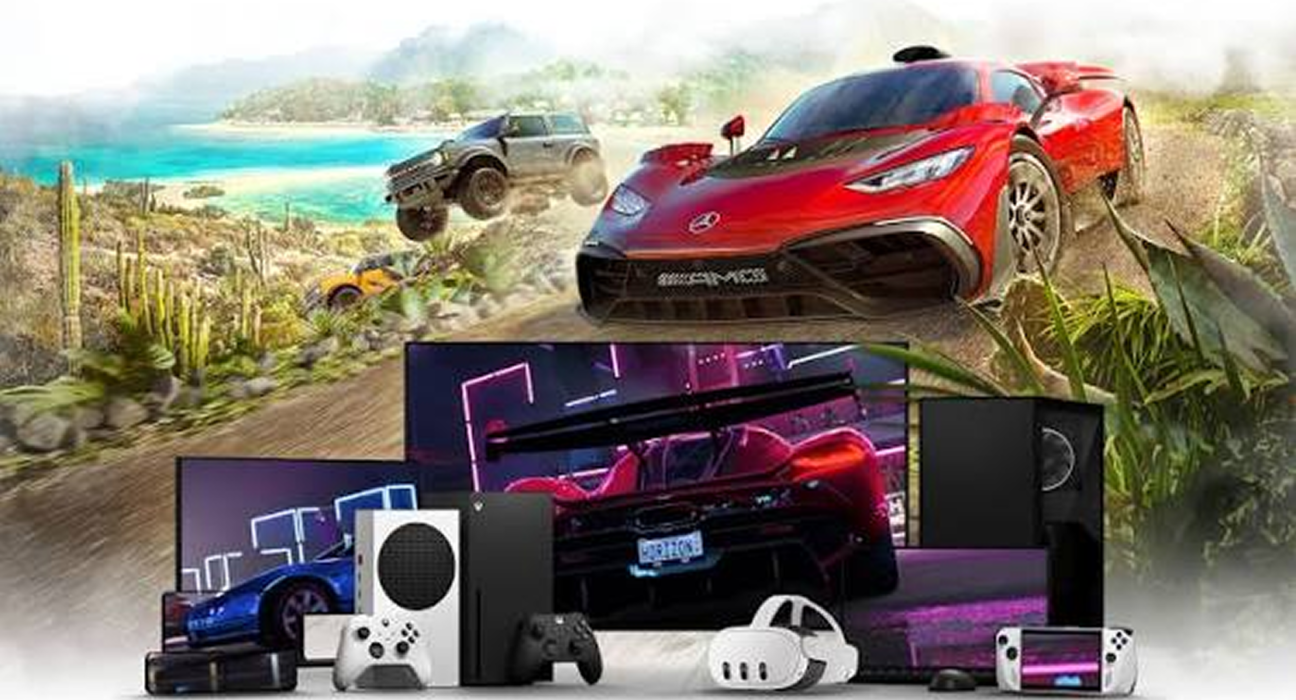
Depending on the service, cloud games may be accessible through devices such as:
- Smartphones
- Tablets
- Laptops
- Desktop computers
- Smart TVs
- Compatible streaming devices
The exact supported devices vary by service.
A device doesn’t necessarily need a powerful gaming GPU because much of the processing occurs remotely.
Do You Need a Gaming PC?
Not necessarily.
That’s one of the main ideas behind cloud gaming.
Someone with a relatively modest laptop may be able to play a demanding game if the cloud gaming service supports the device and the internet connection is sufficient.
However, cloud gaming doesn’t eliminate hardware requirements entirely.
You still need a device capable of displaying the streamed video, along with compatible controls and a suitable internet connection.
Why Is Internet Speed Important?
Cloud gaming depends heavily on network performance.
Unlike downloading a game and running it locally, you’re continuously receiving a stream of gameplay data.
Several network characteristics can affect the experience:
- Download speed
- Upload speed
- Latency
- Network stability
- Wi-Fi quality
- Server location
- Network congestion
A fast connection isn’t necessarily enough if latency is high or the connection frequently drops.
What Is Latency?
Latency refers to the delay between an action and the system responding to it.
Imagine pressing a button on your controller.
With local gaming, the signal only needs to travel within your own hardware before the game responds.
With cloud gaming, the process involves:
Controller → Network → Remote server → Game → Network → Your screen
This introduces additional communication time.
For slow-paced games, small delays may be difficult to notice.
For competitive games that require extremely fast reactions, latency can be much more noticeable.
What Happens If Your Internet Connection Drops?
If your internet connection becomes unstable, cloud gaming can be interrupted.
You may experience:
- Video quality reductions
- Input delays
- Stuttering
- Disconnects
- Temporary freezes
- Lower resolution
With a locally installed game, you can often continue playing without an internet connection if the game supports offline play.
Cloud gaming is much more dependent on continuous connectivity.
Does Cloud Gaming Use a Lot of Data?
It can.
Because gameplay is streamed continuously, cloud gaming can consume significantly more data than ordinary web browsing.
Data usage depends on factors such as:
- Resolution
- Frame rate
- Video compression
- Session length
- Streaming quality
- Service settings
Someone playing for several hours every day should pay attention to their internet provider’s data limits, if applicable.
What Are the Advantages of Cloud Gaming?
1. Less Powerful Hardware Can Be Used
The remote server handles most of the demanding processing.
2. No Large Game Installation
Depending on the service, you may not need to download and install the full game locally.
3. Easier Access Across Devices
You may be able to access games from different compatible devices.
4. Less Local Storage Required
Because the game runs remotely, your device may not need to store large game installations.
5. Hardware Upgrades Can Be Less Important
You don’t necessarily need to upgrade your local GPU every few years simply to run newer games.
What Are the Disadvantages?
Cloud gaming isn’t perfect.
Internet Dependency
A reliable connection is essential.
Latency
Network delays can affect gameplay, particularly in fast competitive games.
Video Compression
Cloud gaming sends video to your screen rather than rendering the game locally. Compression can therefore affect image quality.
Data Consumption
Long gaming sessions can use substantial amounts of internet data.
Service Availability
Your experience depends on the availability and performance of the cloud provider.
Game Catalog Restrictions
Not every game is necessarily available on every cloud gaming platform.
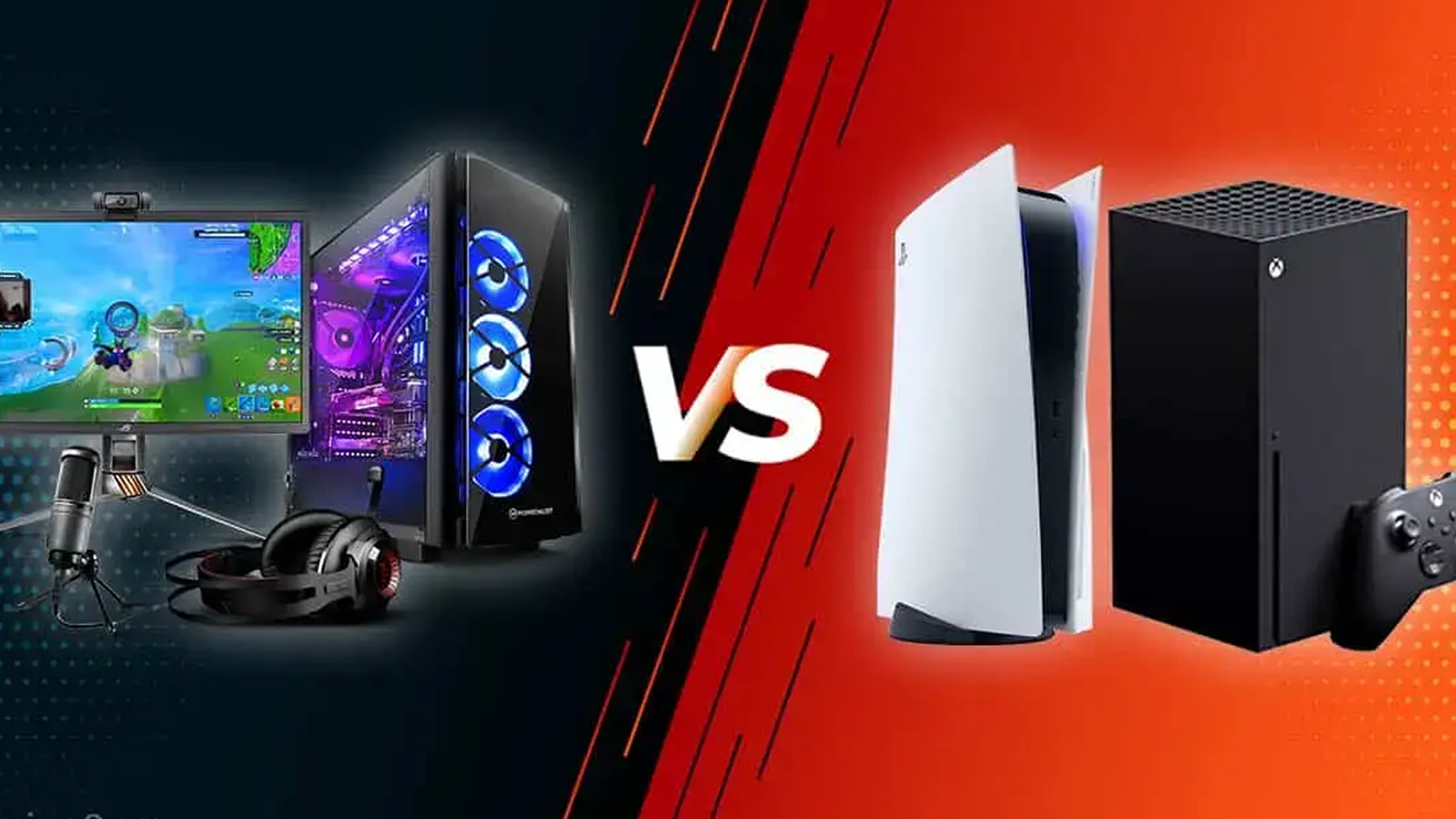
Cloud Gaming vs Traditional Gaming
| Feature | Cloud Gaming | Traditional Gaming |
|---|---|---|
| Game processing | Remote server | Local device |
| Powerful GPU required | Usually less important | Often important |
| Internet dependency | High | Depends on game |
| Local storage | Often lower | Can be significant |
| Latency | Network-dependent | Generally lower locally |
| Hardware upgrades | Potentially less frequent | More relevant |
| Game availability | Depends on service | Depends on platform/store |
Neither approach is automatically better.
The right choice depends on your priorities and setup.
Is Cloud Gaming Good for Casual Players?
Cloud gaming can be particularly attractive to casual players.
If you don’t want to spend a large amount on gaming hardware, a cloud service may provide access to demanding games without requiring a high-end computer.
It can also be convenient if you already own a laptop, tablet, or other compatible device.
Is Cloud Gaming Good for Competitive Gaming?
This depends heavily on the quality of your network connection and the type of game.
Competitive titles that depend on extremely precise timing can be more sensitive to latency.
For slower-paced games, strategy games, role-playing games, and many single-player experiences, small amounts of network delay may be less noticeable.
Players who compete at a high level may still prefer local hardware for maximum responsiveness and consistency.
Does Cloud Gaming Mean You Own the Game?
Not necessarily.
This depends on the service and the way the game is provided.
Some services may include games as part of a subscription.
Others may allow you to stream games you have purchased or otherwise have access to.
The exact ownership and licensing terms depend on the platform and game.
It’s important to distinguish between:
Owning or purchasing access to a game
and
Having access to a cloud service that lets you stream it.
Cloud Gaming and Game Downloads
Cloud gaming and game downloads solve the same basic problem differently.
With a traditional digital purchase:
- You download the game.
- The game is stored on your device.
- Your hardware runs the game.
With cloud gaming:
- You access the game remotely.
- The server runs the game.
- Gameplay is streamed to your device.
The first approach requires more local storage and hardware performance.
The second requires stronger network performance.
Can Cloud Gaming Work on a Phone?
Yes, depending on the service.
A compatible smartphone can potentially become a gaming screen while the actual game runs on a remote server.
For a better experience, players may use a compatible controller rather than touchscreen controls.
A strong and stable connection is especially important when gaming over mobile networks.
Is Cloud Gaming the Same as Remote Play?
Not exactly.
The two concepts are related but different.
Cloud Gaming
The game runs on a remote cloud server operated by a service provider.
Remote Play
The game runs on your own gaming PC or console, and the gameplay is streamed to another device.
For example:
Console → Home network → Phone
would be remote play.
Cloud server → Internet → Phone
would be cloud gaming.
What Does the Future of Cloud Gaming Look Like?
Cloud gaming is part of a broader shift toward remote computing and streaming-based services.
As networks improve and data centers become more capable, cloud gaming may become increasingly accessible.
Developments in areas such as:
- Faster networks
- Improved video compression
- Better data-center infrastructure
- Edge computing
- Artificial intelligence
- More capable mobile devices
could help improve the experience.
However, local gaming hardware is unlikely to disappear simply because cloud gaming exists.
Many players will continue to prefer local systems because of their performance, ownership models, offline capabilities, and lower dependence on network conditions.
Final Thoughts
Cloud gaming changes where a video game runs.
Instead of relying entirely on your own PC, console, or mobile device, the game can run on powerful remote servers while your device receives a live stream of the gameplay.
This can reduce hardware requirements and make demanding games accessible on a wider range of devices.
But cloud gaming also introduces a major dependency: your network connection becomes part of the gaming experience.
For casual gaming and convenient access, that can be a major advantage.
For competitive players or people with unreliable internet, traditional local gaming may still be the better choice.
Ultimately, cloud gaming isn’t simply about replacing consoles and PCs. It’s another way of delivering games—and one that could become increasingly important as gaming technology continues to evolve.