





PC Gaming vs Console Gaming: Which Is Better for You?
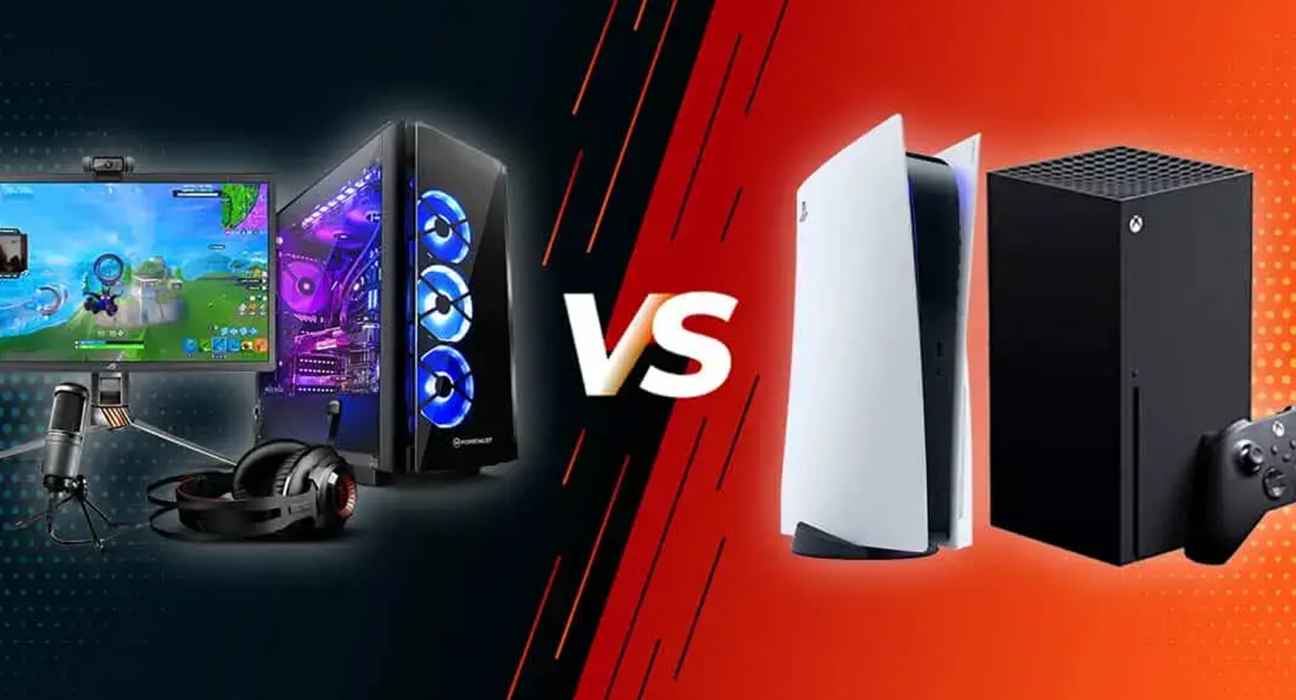
Choosing between PC gaming and console gaming has become more difficult than it used to be.
Modern gaming PCs can deliver impressive performance, while consoles offer powerful hardware, fast setup, and access to major game libraries. Both platforms support online multiplayer, digital purchases, streaming, and a wide range of accessories.
So which one should you choose?
There is no universal answer.
The better option depends on your budget, the types of games you enjoy, how much customization you want, and how you prefer to play.
This guide compares PC gaming and console gaming across the factors that matter most.
What Is PC Gaming?
PC gaming means playing games on a personal computer.
A gaming PC can be a desktop or laptop equipped with hardware designed to handle demanding games.
Important components can include:
- Processor
- Graphics card
- RAM
- Storage
- Motherboard
- Power supply
- Cooling system
- Monitor
One of the biggest advantages of PC gaming is flexibility.
Players can choose different hardware configurations and, in many cases, upgrade individual components later.
What Is Console Gaming?
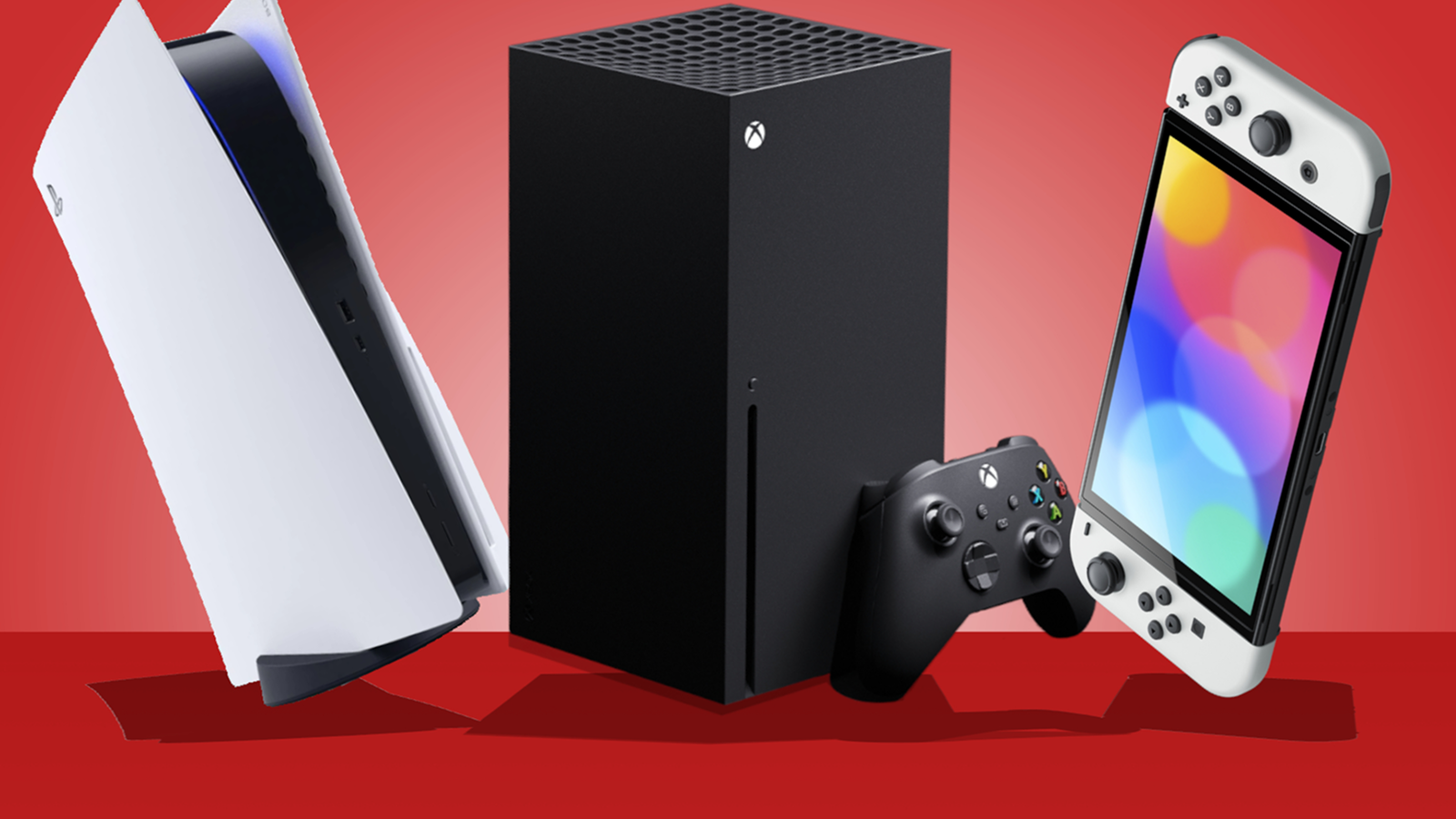
Console gaming involves dedicated gaming hardware designed primarily for playing games.
Modern consoles are built around a fixed hardware configuration.
This makes the experience relatively straightforward.
You generally connect the console to a television or monitor, install or download your games, connect a controller, and start playing.
Popular console ecosystems include PlayStation, Xbox, and Nintendo.
PC vs Console: Quick Comparison
| Feature | PC Gaming | Console Gaming |
|---|---|---|
| Initial setup | More complex | Usually simple |
| Hardware upgrades | High flexibility | Very limited |
| Graphics customization | Extensive | Usually limited |
| Game library | Very broad | Broad |
| Controller support | Yes | Standard |
| Keyboard and mouse | Native option | Supported in some games |
| Portability | Depends on device | Limited |
| Performance customization | High | Fixed |
| Ease of use | Moderate | High |
| Long-term hardware flexibility | High | Lower |
1. Price
Price is one of the first things most buyers consider.
A console usually provides a fixed hardware package at a predetermined price.
With a gaming PC, the cost can vary considerably.
You can build a relatively affordable system or spend significantly more on high-end components.
However, comparing only the initial purchase price can be misleading.
A PC may also require:
- Monitor
- Keyboard
- Mouse
- Headset
- Operating system
- Additional storage
A console may require:
- TV or monitor
- Additional controller
- Headset
- Subscription for certain online services, depending on the platform and game
Consider the complete setup rather than just the price of the main device.
2. Performance
Gaming PCs offer a wide range of performance levels.
You can select components based on the resolution, frame rate, and graphical quality you want.
High-end PCs can provide extremely powerful gaming performance.
Consoles, on the other hand, use fixed hardware configurations.
Developers optimize games specifically for those systems, which can help them deliver consistent experiences despite having less hardware flexibility.
For someone who does not want to think about hardware specifications, a console can be much simpler.
3. Graphics
PC gaming generally offers more control over graphical settings.
Depending on the game and hardware, players may be able to adjust:
- Resolution
- Texture quality
- Shadow quality
- Ray tracing
- Anti-aliasing
- View distance
- Frame rate
- Upscaling technologies
Console games typically provide fewer settings because developers optimize the experience for a fixed hardware configuration.
If you enjoy adjusting graphics to achieve a particular balance between visual quality and performance, PC gaming has a clear advantage.
4. Hardware Upgrades
One of the biggest differences between PCs and consoles is upgradeability.
A desktop gaming PC can often be upgraded over time.
Depending on the system, you may be able to replace or add:
- Graphics card
- RAM
- Storage
- Processor
- Cooling
- Power supply
A console generally does not provide the same level of hardware customization.
You typically use the hardware configuration provided by the manufacturer until you replace the console with a newer generation or model.
5. Ease of Use
This is where consoles have a major advantage.
With a console, the basic process is straightforward:
Connect → Install → Play
PC gaming can require more setup.
You may need to:
- Install drivers
- Configure graphics
- Adjust settings
- Troubleshoot compatibility
- Manage storage
- Update hardware
Modern PCs have become much easier to use, but consoles still provide a more standardized experience.
6. Game Libraries
Both platforms have extensive game libraries, but they are not identical.
PC gaming provides access to a huge variety of games across different stores and platforms.
PC players can also access many older games and independent titles.
Consoles have their own libraries and exclusive or platform-specific titles.
The best platform therefore depends partly on the games you actually want to play.
Before buying hardware, make a list of your favorite games and check which platforms support them.
7. Exclusive Games
Exclusive games can strongly influence the decision.
Some games are available only on particular platforms, while others eventually appear across multiple systems.
If there is a specific game you want to play, check its current platform availability before purchasing.
This can be more important than general hardware specifications.
A powerful system is not very useful if it cannot run the games you want.
8. Keyboard and Mouse vs Controller
PC gaming offers a natural keyboard-and-mouse setup.
This can be particularly useful for:
- First-person shooters
- Strategy games
- Simulation games
- Real-time strategy
- Management games
- Competitive games
Consoles are traditionally designed around controllers.
Controllers can be more comfortable for:
- Racing games
- Sports games
- Platformers
- Fighting games
- Action-adventure games
Many PC games also support controllers, giving PC players additional flexibility.
9. Online Multiplayer
Both PCs and consoles support online multiplayer.
However, the exact experience depends on the game and platform.
Consider:
- Online subscription requirements
- Cross-platform multiplayer
- Voice chat
- Competitive matchmaking
- Cloud saves
- Friends lists
- Parental controls
If you regularly play with friends, check which platforms they use.
Sometimes the easiest decision is simply to choose the platform where your gaming group already plays.
10. Portability
Gaming laptops provide a level of portability that traditional desktop PCs cannot.
You can move a laptop between rooms or take it with you when traveling.
A desktop gaming PC is much less portable because it usually requires a separate monitor and other peripherals.
Consoles are relatively compact, but transporting the entire setup can still require a television or monitor at the destination.
If portability is important, consider a gaming laptop or handheld gaming device as another option.
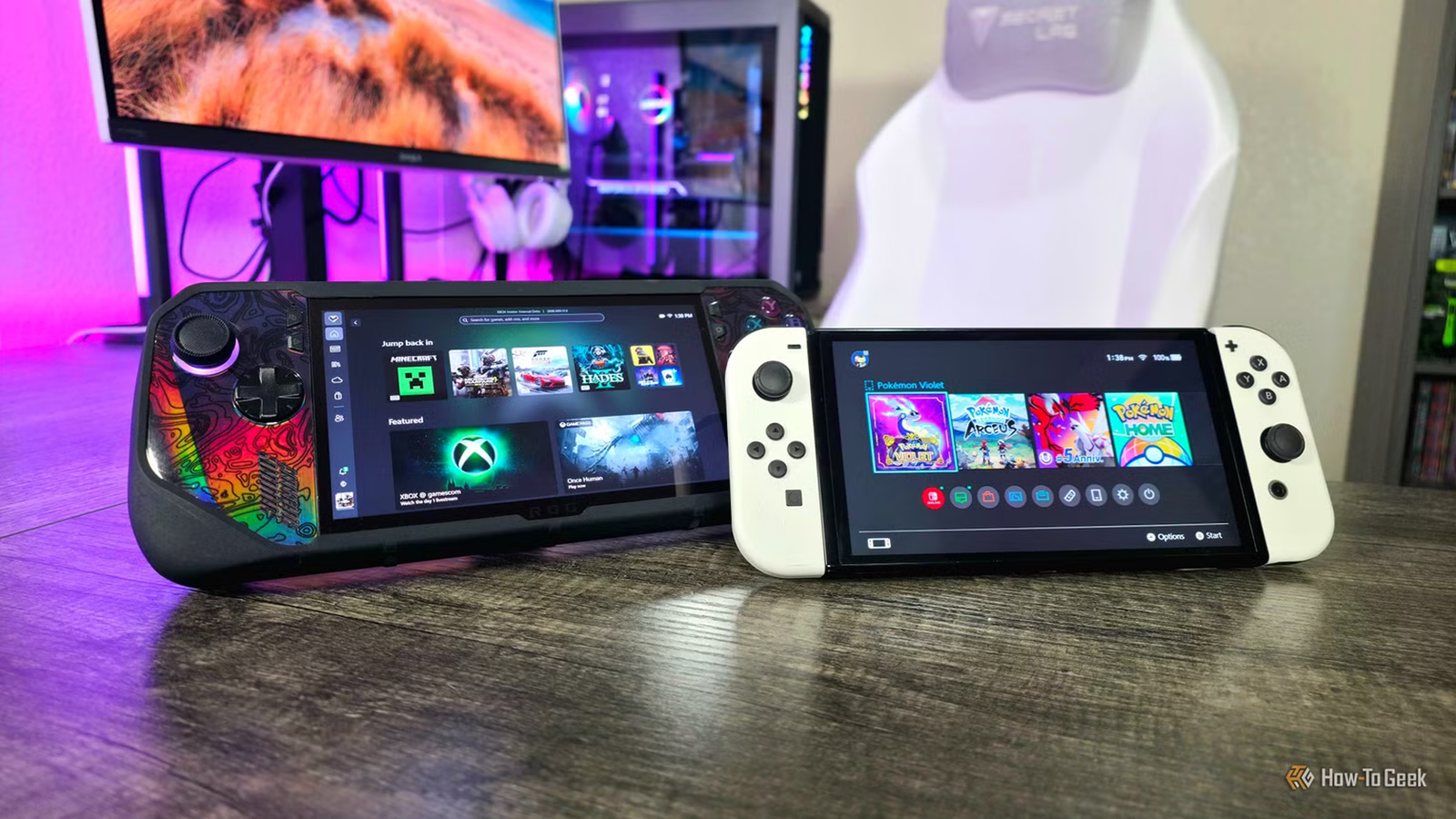
11. Gaming Handhelds
The gaming market is no longer limited to desktop PCs and traditional consoles.
Portable gaming devices provide another category.
These devices can allow players to take games with them while traveling or playing away from a television.
Depending on the device, they may support:
- PC games
- Console games
- Digital storefronts
- Cloud gaming
- Emulation
Handheld gaming can be particularly attractive to people who value portability over maximum graphical performance.
12. Mods
PC gaming has a major advantage when it comes to game modifications, commonly known as mods.
Depending on the game, mods can add:
- New characters
- Maps
- Weapons
- Visual improvements
- Gameplay changes
- New missions
- Community-created content
Mod support varies by game, and installing unofficial modifications can sometimes introduce compatibility or security issues.
Console games generally offer less modding flexibility, although some games do support official mod systems.
13. Backward Compatibility
Backward compatibility determines whether newer hardware can run games from previous generations.
PC gaming has historically offered access to many older games, although compatibility can sometimes require adjustments.
Modern consoles have also introduced various forms of backward compatibility.
If you have a large existing game collection, check how well your preferred platform supports those titles.
14. Game Pricing
Game prices can vary considerably between PC and console platforms.
PC players have access to multiple digital storefronts, frequent sales, bundles, and free-to-play games.
Console platforms also offer digital sales and subscription services.
When comparing costs, consider the full ecosystem rather than the launch price of individual games.
15. Storage
Modern games can take up a significant amount of storage space.
Both PCs and consoles allow players to expand storage in different ways.
Before buying a system, consider how many games you expect to keep installed.
If you frequently switch between large games, additional storage can be especially useful.
16. Upgrading vs Replacing
A gaming PC can often be upgraded piece by piece.
For example, if your graphics card becomes outdated, you may be able to replace only that component.
With a console, upgrading individual internal components is generally not the standard approach.
Instead, players typically move to a newer console generation or model when they want substantially improved hardware.
This makes PCs more flexible for users who enjoy maintaining and upgrading their systems.
17. Maintenance
PCs can require more maintenance than consoles.
Depending on the system, you may need to:
- Clean dust
- Update drivers
- Manage storage
- Troubleshoot software
- Replace components
- Monitor temperatures
Consoles generally require less hands-on maintenance.
For people who want gaming to be as simple as possible, this can be an important advantage.
18. Which Is Better for Competitive Gaming?
It depends on the game.
PC gaming can be particularly attractive for competitive games that benefit from high frame rates, precise mouse control, and customizable hardware.
However, competitive console gaming also has a large player base.
If you are serious about a specific competitive game, research its professional scene and determine which platform is most commonly used.
19. Which Is Better for Families?
Consoles can be particularly convenient for families because they are designed for shared living-room use.
Many systems also provide parental controls and multiple-controller support.
However, PCs can also work well for families, particularly when the computer is used for both gaming and education or productivity.
The best choice depends on how the device will be used.
20. PC or Console: Which Should You Buy?
A gaming PC may be better for you if you:
- Want maximum hardware flexibility
- Enjoy upgrading components
- Prefer keyboard and mouse controls
- Want extensive graphics settings
- Are interested in mods
- Use the device for work and gaming
- Want access to a broad PC game ecosystem
A console may be better for you if you:
- Want a simple setup
- Prefer playing on a television
- Want a standardized experience
- Prefer controllers
- Do not want to manage hardware upgrades
- Mainly want to play games without dealing with PC configuration
What About Having Both?
For some gamers, the choice does not have to be either/or.
A PC can serve as a gaming and productivity machine, while a console can provide a simple living-room gaming experience.
However, buying both can significantly increase your total spending.
If your budget is limited, choose the platform that gives you access to the games and experiences you value most.
Final Thoughts
There is no single winner in the PC gaming vs console gaming debate.
PCs provide flexibility, customization, upgradeability, and extensive control over performance.
Consoles provide simplicity, standardized hardware, easy setup, and a convenient gaming experience.
The right choice depends on what you value most.
Before buying, consider your budget, favorite games, preferred controls, performance expectations, upgrade plans, and how you actually want to play.
Instead of asking which platform is universally better, ask a simpler question:
Which platform is better for the way I want to game?