





How to Choose a Streaming Service: A Complete Guide
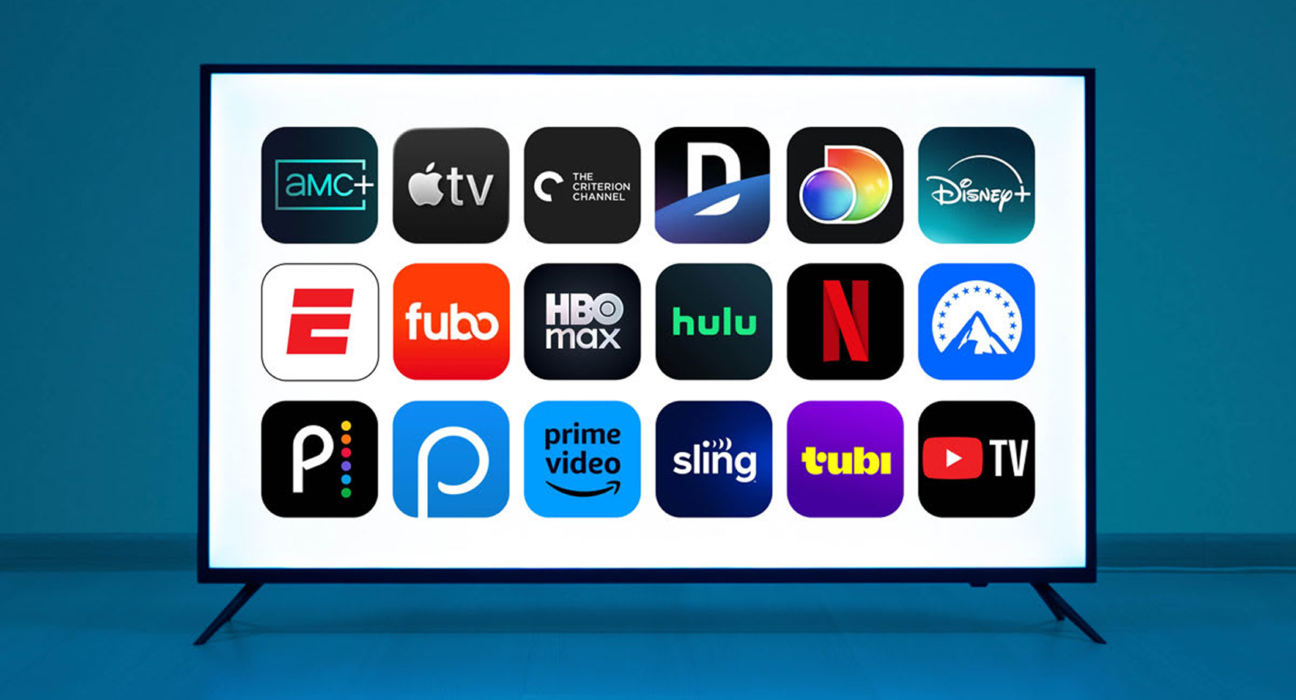
Streaming has changed the way people watch movies, television shows, documentaries, sports, and other entertainment.
Instead of relying entirely on traditional television schedules, viewers can choose what they want to watch and access it across phones, computers, smart TVs, tablets, and other supported devices.
But there is a problem.
There are now so many streaming services that choosing the right one can become confusing.
Paying for several subscriptions can also become expensive, especially when you regularly use only one or two of them.
The best streaming service is not necessarily the one with the biggest library or the most subscribers. It is the service that provides the content and features you actually want at a price that makes sense for you.
What Is a Streaming Service?
A streaming service delivers digital content over the internet instead of requiring viewers to download an entire file before watching it.
Streaming platforms can offer:
- Movies
- TV shows
- Documentaries
- Original productions
- Live television
- Sports
- News
- Children’s programming
- Music and other media
Some services operate primarily through paid subscriptions, while others use advertising, rentals, purchases, or a combination of business models.
Start With What You Actually Watch
The first step is understanding your viewing habits.
Ask yourself:
- What types of movies do I watch?
- Which TV shows do I follow?
- Do I watch documentaries?
- Do I watch live sports?
- Do I need children’s content?
- Do I watch local programming?
- Do I care about original productions?
- How often do I actually stream?
There is little value in subscribing to a service because it has thousands of titles if you rarely watch the type of content it offers.
1. Compare the Content Library
The content library is probably the most important factor.
Different services focus on different types of entertainment.
One platform may have a strong selection of original dramas.
Another may focus heavily on family entertainment.
Another may be particularly attractive to fans of specific movie franchises.
Instead of asking:
“Which service has the most content?”
ask:
“Which service has the content I actually want to watch?”
Quality and relevance matter more than the total number of titles.
2. Look at Exclusive Content
Exclusive content can be one of the biggest reasons to subscribe to a particular platform.
A show or movie that is unavailable elsewhere may make one service significantly more valuable to you.
Before subscribing, check:
- Which shows are exclusive?
- Which movies are exclusive?
- Are the titles available in your country?
- Is the content permanent or temporary?
- Are new episodes released weekly or all at once?
Availability can vary by region, so always check what is actually offered where you live.
3. Check the Subscription Price
Compare the actual subscription price rather than simply looking at the number of services you have.
For example, if you subscribe to five services, even relatively inexpensive plans can add up to a significant monthly cost.
Create a simple list:
| Service | Monthly Cost | Main Reason for Subscription | Used Regularly? |
|---|---|---|---|
| Service A | Movies | Yes | |
| Service B | Sports | Yes | |
| Service C | TV Shows | No | |
| Service D | Family Content | Sometimes |
This makes it easier to identify subscriptions that are not providing enough value.
4. Understand Different Plans
Streaming services may offer several plans.
Depending on the platform, plans can differ by:
- Video quality
- Number of simultaneous streams
- Advertising
- Download options
- Audio quality
- Supported devices
- Account features
Do not automatically choose the most expensive plan.
Choose the plan that matches how you actually use the service.
5. Consider Advertising
Some streaming platforms offer lower-priced plans that include advertisements.
This can be useful for viewers who want to reduce the monthly cost.
However, if you strongly prefer uninterrupted viewing, a higher-priced plan may provide a better experience.
Consider whether the savings are worth the additional advertisements.
6. Check Video Quality
If picture quality matters to you, check what resolution and quality options are included in each plan.
Depending on the service and device, you may encounter:
- Standard definition
- High definition
- Full HD
- 4K
- HDR
Not every title is necessarily available in the highest quality.
Your internet connection, television, streaming device, and subscription plan can also affect the viewing experience.
7. Don’t Pay for 4K If You Can’t Use It
Higher-resolution plans can cost more.
Before paying extra, check whether your setup supports the quality you are paying for.
You may need:
- A compatible television or monitor
- A supported streaming device
- Sufficient internet bandwidth
- A compatible plan
- Content available in the desired resolution
If you mainly watch on a small phone screen, the difference may not be as important to you.
8. Check Device Compatibility
Before subscribing, make sure the service works on the devices you use.
You may want to watch on:
- Smart TV
- Smartphone
- Tablet
- Laptop
- Desktop computer
- Streaming stick
- Gaming console
Most major services support multiple platforms, but compatibility can vary.
If you primarily use an older smart TV, check compatibility before purchasing a subscription.
9. Consider Multiple Users
If you share a subscription with family members or people in your household, check how the service handles multiple users.
Important features can include:
- Individual profiles
- Simultaneous streams
- Personalized recommendations
- Children’s profiles
- Parental controls
A service may be more valuable to a household if several people can use it conveniently.
10. Check Download Features
If you travel frequently or have unreliable internet access, offline downloads can be extremely useful.
Some streaming services allow users to download selected content to supported devices.
This can help when:
- Flying
- Traveling by train
- Staying somewhere with poor internet
- Saving mobile data
- Commuting
Check whether downloads are available under your specific plan and on your preferred device.
11. Consider Your Internet Connection
Streaming quality depends partly on your internet connection.
If your connection is slow or unreliable, high-resolution streaming may result in:
- Buffering
- Lower video quality
- Playback interruptions
Before paying extra for premium video quality, make sure your internet setup can support it comfortably.
12. Look at Audio Quality
Picture quality is not the only consideration.
Some viewers care about:
- Surround sound
- Dolby Atmos
- High-quality audio
- Supported audio languages
- Subtitles
- Audio descriptions
If you have a home theater system or soundbar, check whether the streaming service and your subscription support the audio formats you want.
13. Check Subtitle and Language Options
International viewers may want content in multiple languages.
Check whether the service offers:
- Subtitles
- Multiple audio tracks
- Dubbed versions
- Accessibility features
- Regional language content
This can be particularly important for families or viewers who regularly watch international movies and shows.
14. Think About Sports Separately
Sports can be different from traditional movie and TV streaming.
Sports rights are often divided between different services, broadcasters, and regions.
If live sports are important to you, check exactly where the competitions you follow are available.
For example, you may want to verify access to:
- Football
- Cricket
- Basketball
- Tennis
- Motorsport
- Baseball
- Rugby
Do not subscribe based solely on the assumption that a platform offers a particular sport.
Check the current rights and availability for your location.
15. Consider Free Streaming Options
Not all streaming requires a paid subscription.
Depending on your country, there may be legitimate free services supported by advertising or publicly available platforms offering free content.
Free options can be useful if you are trying to reduce entertainment expenses.
However, make sure you use legitimate services rather than unauthorized streaming websites.
16. Avoid Subscription Overload
One of the easiest ways to overspend on entertainment is subscribing to too many platforms simultaneously.
You might subscribe because one service has a new series you want to watch, another has a movie you like, and a third has a sports event.
Before long, you may be paying for several services every month.
Instead, consider rotating subscriptions.
For example:
Month 1: Service A
Month 2: Service B
Month 3: Service C
This approach can work particularly well if you only watch a few shows at a time.
17. Check Cancellation Policies
Before subscribing, understand how cancellation works.
Look for:
- Billing frequency
- Renewal date
- Cancellation process
- Refund policy
- Promotional pricing
- Price changes after promotional periods
Set a reminder if you sign up for a temporary promotion so you can reassess the subscription before the next billing cycle.
18. Watch for Introductory Pricing
Some services may offer promotional pricing for new customers.
The important thing is to understand what happens after the promotional period ends.
For example:
Promotional price → Regular price
Always check the regular subscription price before signing up.
A discount is useful only if the service still provides enough value at its normal price.
19. Consider Content Rotation
Streaming libraries change.
Movies and shows can be added or removed as licensing agreements change.
A title being available today does not necessarily mean it will remain available indefinitely.
If you are subscribing specifically for one movie or series, check its availability before signing up.
20. Think About How Often You Watch
Your viewing frequency should influence your decision.
If you watch streaming content every day, a subscription may provide strong value.
If you watch only a few hours each month, paying for several services may not make sense.
A simple question can help:
“How much use am I getting from this subscription each month?”
If the answer is very little, consider cancelling or rotating the service.
How Many Streaming Services Should You Have?
There is no ideal number for everyone.
Some people may be perfectly happy with one service.
Others may need several because they follow different types of content.
A practical approach is to identify your priorities.
If You Mainly Watch Movies
Choose a service with a strong movie library that matches your interests.
If You Mainly Watch TV Shows
Focus on the platforms carrying the shows you actually follow.
If You Watch Sports
Prioritize services with the rights to the competitions you care about.
If You Have Children
Look for strong family content, parental controls, and multiple profiles.
If You Travel Frequently
Offline downloads and broad device compatibility can be particularly useful.
A Simple Streaming Service Comparison
| Factor | What to Ask |
|---|---|
| Content | Does it have what I want to watch? |
| Price | Is the monthly cost reasonable? |
| Advertising | Can I tolerate the ads? |
| Quality | Does it support the video/audio quality I need? |
| Devices | Does it work on my devices? |
| Users | Can my household use it conveniently? |
| Downloads | Can I watch content offline? |
| Sports | Does it carry the competitions I follow? |
| Language | Does it support my preferred languages? |
| Cancellation | Can I cancel easily? |
A Simple Rule for Choosing
If you are comparing several streaming services, score each one based on five areas:
Content + Price + Features + Convenience + Frequency of Use
The service with the highest overall value for your needs is usually a better choice than the one with the biggest library.
Common Streaming Mistakes
Paying for Services You Don’t Use
A subscription that you rarely open is an unnecessary recurring expense.
Choosing Based Only on Price
The cheapest service is not useful if it does not have the content you want.
Paying for Premium Features You Don’t Need
Do not pay extra for features your devices or viewing habits cannot take advantage of.
Forgetting Promotional Prices End
Always know the regular price after a promotional period.
Subscribing to Everything at Once
Rotating subscriptions can sometimes provide better value.
Ignoring Regional Availability
Content libraries can differ significantly between countries.
Final Thoughts
Choosing a streaming service does not need to be complicated.
Start by identifying what you actually watch. Then compare the content library, price, video quality, advertising, device support, downloads, user features, and cancellation terms.
Most importantly, avoid subscribing to services simply because everyone else has them.
Your ideal streaming setup might be one service, several services, or a rotating combination depending on your viewing habits.
The goal is simple:
Pay for entertainment you actually use, not subscriptions you forget you have.