






What Is a Passkey? How Passwordless Login Is Changing Online Security
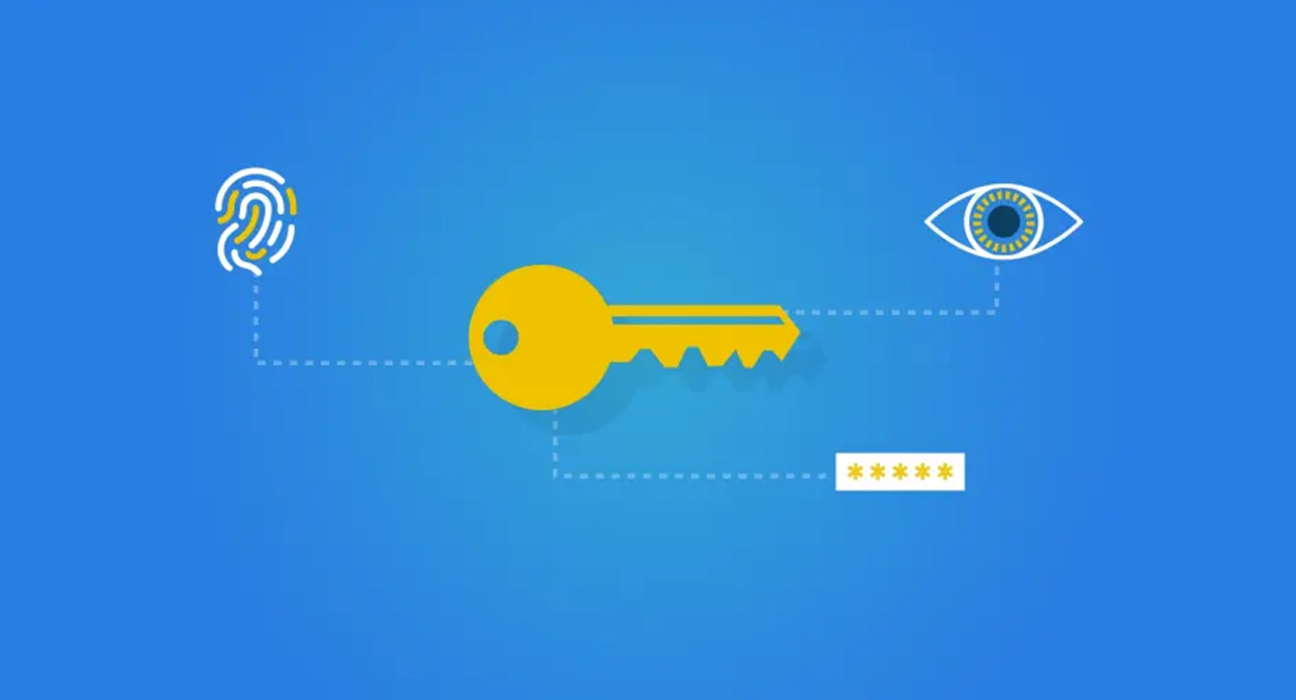
Passwords have been part of our digital lives for decades. We create them for email accounts, banking apps, shopping websites, social platforms and countless other services.
Over time, managing passwords has become its own challenge. Strong passwords are difficult to remember, reused passwords create security risks, and phishing attacks continue to exploit the way people log in.
Now, a different approach is gaining ground: passkeys.
Instead of asking you to remember a password, passkeys let you sign in using methods such as your fingerprint, face recognition or device PIN. The experience can feel almost effortless, but the technology behind it represents a significant shift in how online authentication works.
So, what exactly is a passkey, and why is it becoming an important part of internet security?
What Is a Passkey?
A passkey is a digital credential that allows you to sign in to an online account without entering a traditional password.
It uses public-key cryptography, a security technique that relies on two mathematically connected keys:
- Public key: Shared with the service you register with.
- Private key: Kept securely on your device or within your credential provider, depending on the passkey implementation.
When you sign in, the service sends a challenge. Your device uses the private key to produce a cryptographic response, which the service verifies using the public key.
If the response is valid, authentication succeeds.
Your fingerprint or face recognition typically helps authorize the use of the passkey locally. Your biometric information is not ordinarily sent to the website as part of this process.
This distinction matters: the website verifies cryptographic proof, rather than receiving your password or fingerprint.
How Do Passkeys Work?
Although passkeys involve sophisticated cryptography, the everyday experience is straightforward.
1. You create a passkey
When a website or app supports passkeys, you may see an option to create one in your account security settings or during registration.
Your device or credential manager creates the credential and registers its public key with the service.
2. You return to sign in
Instead of typing a password, you select the passkey sign-in option.
Depending on your device and setup, the passkey may be offered automatically or you may need to choose it.
3. You verify your identity locally
You confirm the sign-in using an available method, such as:
- Fingerprint recognition
- Face recognition
- Device PIN or screen lock
The exact method depends on the device and credential provider.
4. Your device proves possession of the credential
The authentication system uses the private key to respond to a challenge from the service.
The service checks the response against the registered public key.
If everything matches, you are signed in.
The process removes the need to transmit a conventional password during authentication.
Why Are Passkeys Considered More Secure?
Passkeys are designed to address several weaknesses associated with passwords.
They help protect against phishing
A traditional password can be entered into a convincing fake login page. If an attacker captures it, that password may be used elsewhere, particularly when passwords are reused.
Passkeys are designed to be bound to the legitimate website or service through the authentication protocol.
A passkey created for one website generally cannot be used to authenticate to an unrelated phishing domain.
This makes passkeys significantly more resistant to common credential-stealing phishing attacks.
They reduce password reuse
Many people struggle to create and maintain unique passwords for every account.
Passkeys remove the need to remember a separate password for each supported account, reducing reliance on reused credentials.
They change what attackers can steal
A website using passkeys stores public-key information rather than a reusable password verifier in the conventional password-login model.
Stealing a database of public keys does not ordinarily give an attacker the private keys needed to authenticate.
However, account recovery systems, compromised devices and poorly implemented authentication flows can still introduce risks.
They make everyday sign-ins easier
Security often becomes difficult when it adds too much friction.
Passkeys can simplify the login process by replacing repeated password entry with a quick device verification step.
That convenience can encourage people to use stronger authentication practices.
Passkeys vs. Passwords: What’s the Difference?
| Feature | Passwords | Passkeys |
|---|---|---|
| Login method | Enter a secret string | Approve cryptographic authentication |
| Memory required | Usually yes, unless stored | No need to remember a login secret |
| Phishing resistance | Depends on additional protections | Strong protection against common phishing attacks |
| Reuse risk | Common if users repeat passwords | Separate credentials can be created for accounts |
| Recovery | Reset procedures | Depends on device, provider and service recovery options |
| Compatibility | Very widely supported | Requires compatible services and devices |
Passkeys offer important security advantages, but passwords remain common. Many services still support both methods, and some accounts may retain password-based recovery or fallback options.
Are Passkeys Stored on Your Phone?
Not necessarily.
Passkeys can be managed in different ways.
Device-bound passkeys: These are tied to a particular device or security authenticator. They can be useful in environments where credentials must remain on approved hardware.
Synced passkeys: These can be securely synchronized across compatible devices through a credential provider. This can make it easier to sign in when switching phones, tablets or computers.
The experience depends on the ecosystem and implementation.
For example, someone using a synchronized credential manager may be able to access their passkeys on multiple supported devices without registering each device separately.
That convenience also makes protecting the credential provider account and its recovery methods important.
What Happens If You Lose Your Phone?
This is one of the most practical questions about passkeys.
Losing a device does not automatically mean losing access to every account, but the recovery experience depends on how your passkeys are stored.
If your passkeys are synced through a supported credential provider, you may be able to restore access on another device after completing its account recovery process.
If a passkey is device-bound, you may need another registered authenticator, a backup passkey or the service’s account recovery procedure.
Before relying entirely on passkeys, consider these precautions:
- Check whether your passkeys are synchronized or device-bound.
- Register a backup passkey or another supported authentication method where available.
- Secure the account used to manage your credentials.
- Keep your device’s screen lock and recovery information updated.
- Understand how important accounts handle lost-device recovery.
For business accounts, organizations should also establish recovery and access policies before requiring passkeys across a team.
Can Passkeys Be Hacked?
No authentication method should be treated as completely risk-free.
Passkeys make certain attacks much harder, particularly phishing and credential replay, but they do not eliminate every security threat.
Potential risks include:
Compromised devices
If an attacker gains sufficient control over an unlocked or compromised device, they may be able to exploit an active session or interfere with authentication.
Account recovery weaknesses
An account can still be vulnerable if its recovery process is significantly weaker than its primary authentication method.
For example, poorly protected email accounts or weak identity verification procedures may create opportunities for unauthorized access.
Credential account compromise
If passkeys are synchronized through a credential provider, the security of that provider and its recovery mechanisms becomes important.
Session theft
Signing in securely does not guarantee that an already authenticated session cannot be stolen or abused.
Businesses still need appropriate session protection, monitoring and access controls.
The key takeaway is that passkeys strengthen authentication, but overall security depends on the entire account protection system.
How to Start Using Passkeys
You do not need to replace every password immediately.
A practical way to begin is to introduce passkeys gradually.
Step 1: Choose an important account. Start with an email account or another service that supports passkeys and offers reliable recovery options.
Step 2: Review its security settings. Look for terms such as Passkeys, Security keys or Passwordless sign-in.
Step 3: Create your passkey. Follow the service’s instructions and select your preferred supported credential provider or device.
Step 4: Test another sign-in. Confirm that you can authenticate successfully and understand how the credential is accessed.
Step 5: Review recovery options. Make sure you have a realistic way to regain access if you lose a device.
Repeat the process for other accounts as support becomes available.
For sensitive accounts, review the service’s security guidance before changing or removing existing authentication methods.
The Future of Passwordless Authentication
Passkeys are part of a broader move toward authentication systems that rely less on shared secrets.
For individuals, this could mean fewer passwords to remember and fewer opportunities for phishing attacks.
For businesses, it could mean lower password-reset workloads, stronger employee authentication and a smoother customer sign-in experience.
Adoption will still take time. Older systems, compatibility differences, recovery concerns and user habits remain practical challenges.
Passwords are unlikely to disappear everywhere overnight. Many services will continue supporting multiple authentication methods during the transition.
But the direction is clear: online identity is moving toward systems that prove possession of a trusted credential rather than repeatedly asking users to disclose a secret.
Final Thoughts
The biggest advantage of passkeys is not simply that they make logging in faster. It is that they rethink a security habit the internet has relied on for years.
A password is something you must protect, remember and avoid sharing.
A passkey uses cryptographic proof, helping make common credential theft techniques far less effective.
For users, the best next step is simple: check whether your most important accounts support passkeys, understand their recovery options and start with one.
A safer internet does not begin with remembering better passwords. It begins with needing fewer of them.
Disclaimer: This article is for general informational and educational purposes only. Authentication features and security implementations vary by service, device and credential provider. Always consult the official security guidance for your accounts.