






How to Choose the Right Apps: A Practical Guide for Better Productivity
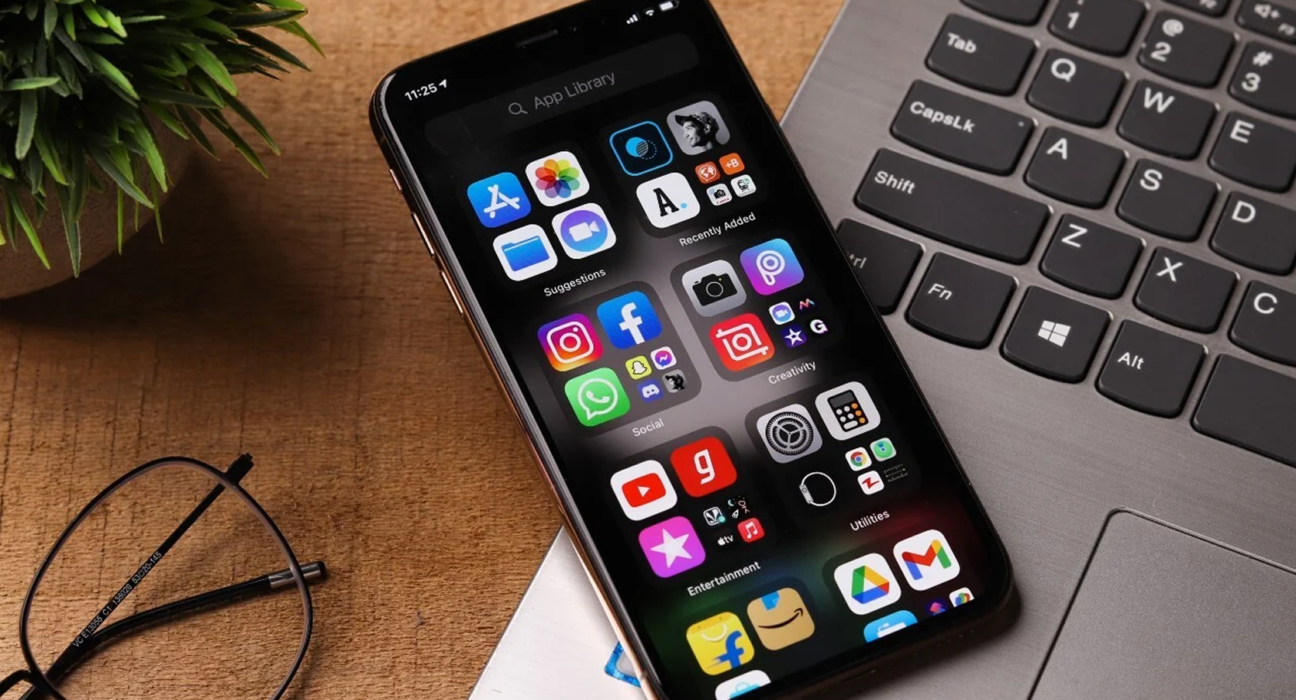
There is an app for almost everything today.
You can find apps for communication, banking, shopping, fitness, travel, entertainment, work, education, planning and countless other tasks.
The problem is not finding an app.
The problem is finding the right app.
Installing too many apps can make your devices cluttered, create unnecessary notifications and sometimes make simple tasks more complicated.
The best approach is to choose apps based on what you actually need rather than downloading something simply because it is popular.
Here is a practical guide to choosing better apps for work, study and everyday life.
1. Start With the Problem You Want to Solve
Before searching for an app, clearly define the problem.
For example:
- You need to manage your tasks.
- You want to store notes.
- You need to edit photos.
- You want to track expenses.
- You need to communicate with a team.
- You want to learn a new skill.
- You want to organize travel plans.
Once the problem is clear, it becomes much easier to evaluate different apps.
2. Don’t Start With the App Store
Searching an app store without knowing what you need can lead to endless scrolling.
Instead, start with the task.
Ask:
What do I want this app to help me accomplish?
Then search for apps designed specifically for that purpose.
This keeps your options focused and reduces the temptation to install unnecessary software.
3. Identify Your Essential Features
Make a short list of features you actually need.
For example, if you need a task-management app, your requirements might include:
- Task lists
- Reminders
- Calendar integration
- Recurring tasks
- Cross-device synchronization
You may not need dozens of additional features.
A simple app that does the important things well can be better than a complicated platform with features you never use.
4. Check Which Devices It Supports
Before choosing an app, check whether it works across the devices you use.
You may need support for:
- Android
- iPhone
- Windows
- Mac
- Web browsers
- Tablets
Cross-platform support can be especially important if you regularly switch between your phone and computer.
An app that works perfectly on one device but poorly on another can become frustrating.
5. Look at the User Interface
An app can have excellent features and still be difficult to use.
Look at:
- Navigation
- Menus
- Buttons
- Settings
- Search
- Overall layout
The interface should make the task easier rather than adding unnecessary steps.
If you need a tutorial every time you open the app, it may not be the right choice for a simple everyday task.
6. Check the App’s Ratings and Reviews
User reviews can provide useful information about real-world performance.
Look for repeated comments about:
- Bugs
- Crashes
- Performance
- Ease of use
- Customer support
- Battery usage
- Reliability
- Updates
Do not focus only on the overall rating.
Read recent reviews as well, because an app can change significantly after updates.
7. Look at the Update History
Regular updates can indicate that developers are actively maintaining an app.
Updates may improve:
- Security
- Performance
- Compatibility
- Features
- Stability
However, frequent updates alone do not guarantee quality.
Look at what the updates actually contain.
8. Check Privacy Policies
Privacy should be an important consideration when choosing an app.
Pay attention to what information the app collects and how that information is used.
Depending on the app, data may include:
- Name
- Email address
- Location
- Contacts
- Photos
- Device information
- Usage data
- Financial information
Only provide permissions that are necessary for the app to perform its intended function.
9. Review App Permissions
Before installing or using an app, check what permissions it requests.
For example, a navigation app may reasonably need location access.
A simple calculator may not need access to your contacts or photos.
If an app requests permissions that appear unrelated to its purpose, consider whether you really need it.
10. Understand the Pricing Model
Apps can use several different pricing models.
Free
The basic app is available without payment.
Freemium
Basic features are free while advanced features require payment.
Subscription
You pay monthly or annually.
One-Time Purchase
You pay once for access.
Advertising Supported
The app is free but displays advertisements.
Understand the pricing model before investing significant time in an app.
11. Look Beyond the Download Price
An app may be free to download but still cost money to use fully.
Check whether it includes:
- Premium features
- Subscriptions
- In-app purchases
- Storage charges
- Additional services
This is especially important for productivity, cloud storage, editing and professional applications.
12. Consider Synchronization
If you use multiple devices, synchronization can be extremely useful.
For example, you might create a note on your phone and later open it on your laptop.
Before choosing an app, check:
- Whether synchronization is automatic
- Which devices are supported
- Whether synchronization requires a paid plan
- How quickly changes appear across devices
Reliable synchronization can make an app significantly more useful.
13. Check Offline Functionality
Not every app needs an internet connection all the time.
Offline functionality can be valuable for:
- Note-taking
- Reading
- Travel
- Document access
- Navigation
- Task management
If you frequently travel or experience unreliable internet connections, check whether the app continues to work without a connection.
14. Think About Security
Security becomes particularly important for apps handling sensitive information.
For important applications, look for features such as:
- Strong account security
- Two-factor authentication
- Secure data handling
- Regular security updates
- Account recovery options
Use strong, unique passwords for important accounts and enable additional security features where available.
15. Don’t Install Multiple Apps for the Same Job
It is easy to end up with several apps performing nearly identical tasks.
You might have:
- Three note-taking apps
- Four cloud storage apps
- Multiple task managers
- Several photo editors
This can create unnecessary complexity.
If one application meets your needs well, you may not need several alternatives installed at the same time.
16. Consider Integration With Other Tools
An app becomes more useful when it works well with the other services you already use.
For example, a productivity app might integrate with:
- Calendar
- Cloud storage
- Messaging
- Documents
- Project-management tools
Before choosing an app, consider how easily it fits into your existing workflow.
17. Check Storage Requirements
Some applications can consume significant storage, especially those involving:
- Video
- Photos
- Games
- Offline maps
- Large documents
Check how much space the app requires and whether it stores additional files locally.
This is particularly important if your device has limited storage.
18. Pay Attention to Battery Usage
Some apps can consume considerable battery power, particularly those that use:
- GPS
- Background synchronization
- Camera
- Video
- Continuous connectivity
If battery life matters to you, check user feedback and device settings to understand how much power an app uses.
19. Think About Long-Term Use
Before building an important workflow around an app, consider whether you expect to use it for a long time.
Ask:
- Is the developer active?
- Is the app regularly maintained?
- Can I export my data?
- Is there a backup option?
- Does the company appear reliable?
- Would moving to another app be difficult?
Data portability can be especially important for notes, documents, financial records and other information you plan to keep for years.
20. Test Before Committing
If an app offers a free version or trial, use it before paying.
Spend enough time to determine:
- Whether it solves your problem
- Whether the interface makes sense
- Whether it works reliably
- Whether the important features are available
- Whether it fits your existing workflow
A short trial can prevent you from paying for software you will eventually stop using.
How to Compare Two Apps
If you are deciding between two applications, create a simple comparison.
| Factor | App A | App B |
|---|---|---|
| Price | ||
| Essential Features | ||
| Ease of Use | ||
| Privacy | ||
| Security | ||
| Cross-Platform Support | ||
| Synchronization | ||
| Offline Access | ||
| Integrations | ||
| Updates | ||
| Long-Term Value |
You do not need to choose the app with the highest score in every category.
Focus on the factors that matter most to you.
Signs That an App May Not Be Right for You
Consider replacing an app if:
- You rarely use it
- It creates unnecessary notifications
- It is difficult to navigate
- It frequently crashes
- It consumes excessive storage
- It drains your battery
- It collects more information than you are comfortable sharing
- Important features are locked behind an expensive subscription
- It does not integrate with your workflow
- Another app does the same job better
An app should make your life easier, not create additional work.
How Many Apps Do You Actually Need?
There is no ideal number of apps.
The right number depends on your lifestyle and work.
Instead of counting applications, focus on whether each one serves a useful purpose.
A smaller collection of reliable apps can often be easier to manage than dozens of applications that you rarely open.
Review your installed apps occasionally and remove those you no longer use.
Final Thoughts
Choosing the right app is less about finding the application with the most features and more about finding one that solves your specific problem effectively.
Start with your needs, identify the features that matter, check compatibility, review privacy and security, compare pricing and test the app before committing.
Most importantly, avoid adding technology simply for the sake of having more technology.
The best app is often the one that quietly does its job, fits naturally into your routine and makes something easier.