






A Website Can Be Hosted on One Server. So Why Does It Need Hundreds More?
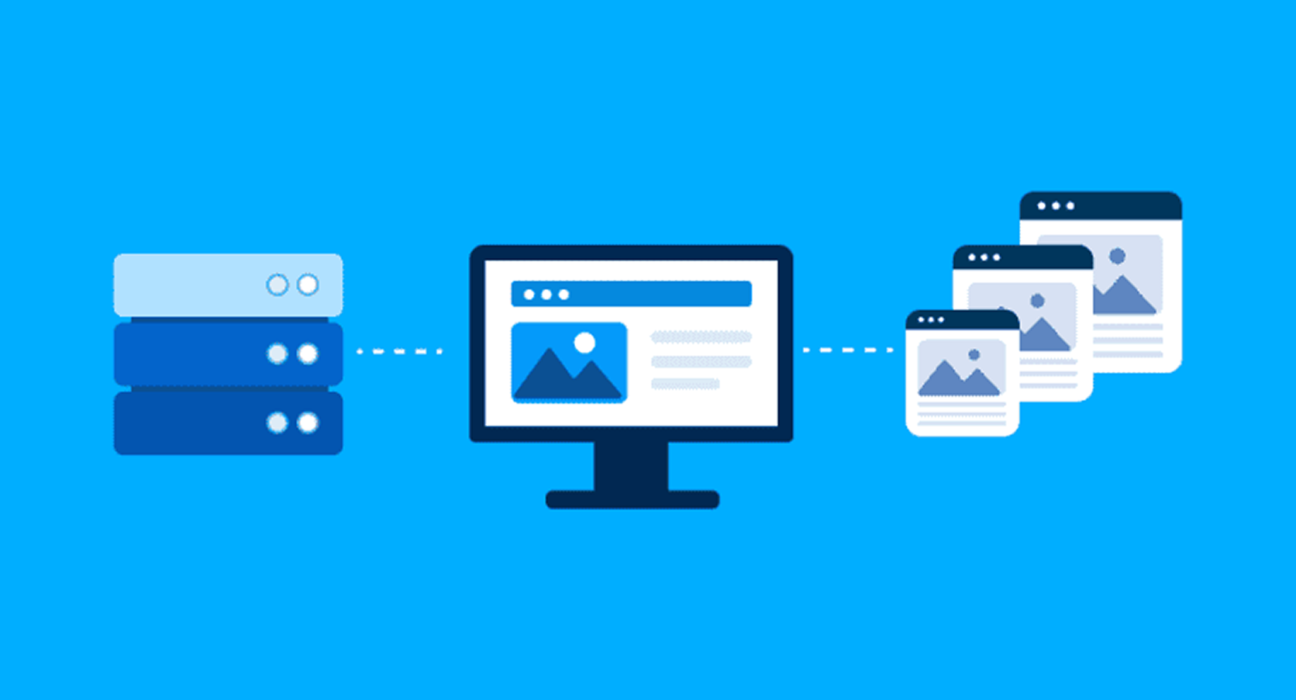
You open a website from another country. A video starts playing, images appear, and pages load without making you wait for information to travel halfway around the world.
Behind that seemingly simple experience, a network of servers may be doing much of the work.
A website does not always deliver every image, video, stylesheet or downloadable file directly from its original server. Instead, it may rely on a content delivery network, commonly known as a CDN.
CDNs help websites deliver content efficiently to people across different regions. They are used by news platforms, online stores, streaming services, software companies and countless other digital businesses.
But how do they actually work, and why have they become such an important part of the internet?
What Is a Content Delivery Network?
A Content Delivery Network (CDN) is a distributed network of servers designed to deliver digital content to users efficiently.
Rather than serving every request from a single origin server, a website can use CDN infrastructure to store and deliver copies of eligible content from locations closer to its visitors.
This content might include:
- Website images
- Videos and audio files
- JavaScript and CSS files
- Fonts
- Software downloads
- Other cacheable web resources
A CDN can reduce the distance data needs to travel, helping improve response times and reduce the workload on the origin infrastructure.
The exact benefits depend on the CDN’s network coverage, configuration, content type and the user’s location.
How Does a CDN Work?
Imagine a website hosted on servers in one region, with visitors accessing it from different continents.
Without a CDN, many requests may need to travel back to the website’s origin infrastructure.
With a CDN, eligible content can be served from distributed edge locations.
Here’s how the process generally works.
1. A visitor requests a webpage
A user enters a website address or clicks a link.
The browser begins requesting the resources needed to display the page.
These requests can include HTML, images, fonts, scripts and stylesheets.
2. The request reaches the CDN
If the website is configured to use a CDN for that resource, the request is directed through the CDN’s delivery infrastructure.
Routing and request handling vary by provider and configuration.
3. The CDN checks its cache
The CDN determines whether the requested content is available in its cache and whether it can be served under the applicable caching rules.
If the content is cached: The CDN may deliver it directly from an edge server.
If the content is not cached: The CDN may retrieve it from the origin server or another configured source, depending on its architecture.
4. The content reaches the visitor
The CDN delivers the resource to the user’s browser.
In some configurations, the retrieved resource may also be cached for future requests.
Over time, frequently requested content may be served efficiently without requiring every visitor to access the origin.
Not every request follows the same path. Dynamic content, personalized pages and uncached resources may require additional processing.
What Is an Edge Server?
An edge server is infrastructure positioned closer to users or at strategic points within a delivery network.
The idea is simple: bring commonly requested content closer to the people requesting it.
For example, a website might have its origin infrastructure in Europe while visitors access it from Asia, North America and Australia.
A CDN with suitable coverage may serve cached resources from nearby edge locations instead of repeatedly retrieving them from the origin.
However, geographical distance is only one factor affecting performance.
Network congestion, routing decisions, server capacity and the quality of internet connections also influence how quickly content arrives.
A nearby server is not automatically the fastest server in every situation.
Why Websites Use CDNs
CDNs are not only about making websites load faster. They can also improve how digital services handle traffic and operate at scale.
1. Faster Content Delivery
Large images, videos and other resources can contribute significantly to page loading time.
Serving eligible files from well-positioned edge locations can reduce network delays.
This is particularly useful for websites with international audiences.
However, a CDN cannot automatically fix inefficient code, oversized images, excessive scripts or slow application logic.
Website performance still depends on the entire delivery process.
2. Reduced Origin Server Workload
When a CDN serves cached resources, fewer requests need to reach the origin server.
This can reduce bandwidth consumption and processing demands, depending on the traffic and caching strategy.
For businesses with large audiences, that can make infrastructure more efficient.
The result depends on the proportion of requests that can actually be cached.
3. Better Handling of Traffic Spikes
Some websites experience sudden increases in visitors.
Examples include:
- Major product launches
- Breaking news coverage
- Ticket releases
- Seasonal shopping campaigns
- Viral content
- Live event promotions
A properly configured CDN can distribute delivery workloads and help absorb traffic surges.
However, it does not eliminate every scaling problem.
Dynamic application requests, databases, authentication systems and payment services may still become bottlenecks.
4. Improved Content Availability
Distributed infrastructure can provide alternative delivery paths and help reduce dependence on a single delivery location.
Depending on the provider and architecture, this can contribute to resilience.
But a CDN does not guarantee that a website will always remain available.
Origin failures, configuration errors, provider outages and application problems can still interrupt services.
5. Additional Security Capabilities
Many CDN providers offer security features such as:
- Distributed denial-of-service (DDoS) mitigation
- Web application firewalls
- Traffic filtering
- Bot management
- TLS encryption support
- Rate limiting
These features can help protect websites against certain threats.
However, security capabilities vary by provider and plan. Using a CDN alone does not make a website secure.
Sensitive applications still require proper authentication, access controls, secure coding and ongoing monitoring.
CDN vs. Web Hosting: What Is the Difference?
A CDN and a web host perform different roles, although some providers offer both services.
| Feature | Web Hosting / Origin | CDN |
|---|---|---|
| Primary role | Runs or stores the website’s source content and application | Distributes eligible content |
| Dynamic processing | Often handles application requests | May support selected edge processing |
| Content caching | Can use local caching | Core delivery capability |
| Geographic distribution | Depends on hosting setup | Often uses distributed locations |
| Main benefit | Provides the website infrastructure | Improves delivery efficiency and resilience |
A CDN usually complements hosting rather than replacing it.
For example, an online store might use hosting for its commerce application and a CDN for images, scripts and other suitable assets.
The checkout process, customer account information and order management may still depend on the origin application and its backend services.
What Is CDN Caching, and Why Does It Matter?
Caching is one of the most important mechanisms behind CDN performance.
It allows eligible content to be stored temporarily so it can be reused without retrieving a fresh copy from the origin for every request.
But caching needs careful management.
Cache-Control and Expiration
Websites can use HTTP caching directives to influence how resources are stored and reused.
These rules help determine how long content may remain fresh and under what conditions it can be revalidated.
Static resources that rarely change are often good candidates for longer caching periods.
Frequently updated information may need shorter caching periods or revalidation.
Cache Invalidation
What happens when a website updates an image or changes a file?
If old versions remain cached, users may continue receiving outdated content.
CDNs offer different methods to refresh or invalidate cached resources.
Another approach is versioned filenames.
For example, a website might serve a revised stylesheet with a new filename, making it easier for browsers and CDN caches to recognize it as a different resource.
Why Some Content Should Not Be Cached
Personalized or sensitive information requires special care.
Private account pages, payment details and user-specific content should not be cached publicly unless a carefully designed system explicitly makes that safe.
Incorrect caching rules can expose information or serve one user’s content to another.
Caching decisions should consider both performance and privacy.
Can a CDN Make Every Website Faster?
No.
A CDN is useful, but its impact depends on what is slowing a website down.
Consider three scenarios.
Scenario 1: An image-heavy travel website
The website serves large photographs to visitors worldwide.
A CDN may substantially improve the delivery of cached images.
Scenario 2: A dashboard with complex calculations
The website relies on database queries and application processing.
A CDN may help with static assets, but the dashboard’s main performance issues may remain.
Scenario 3: A small local business website
Most visitors are located near the origin server, and the website has limited traffic.
A CDN may still be useful for caching or security, but the performance improvement might be modest.
The right approach is to measure performance before and after implementation.
Useful indicators include response times, cache hit ratio, origin traffic and real-user loading metrics.
How Businesses Can Choose a CDN
Choosing a CDN should begin with the needs of the website rather than the size of the provider’s network.
Geographic coverage
Identify where your visitors are located.
A website serving a global audience may need different coverage from a regional business website.
Performance and routing
Evaluate real-world latency and delivery performance in important markets.
Provider network size alone does not establish actual performance for your audience.
Security features
Check whether the CDN includes the protection features your business needs.
Understand which capabilities are included and which require additional services.
Pricing structure
CDN pricing can depend on bandwidth, request volume, geographic regions, security features and additional processing.
Review expected traffic and billing conditions rather than comparing headline prices alone.
Integration and management
Check how easily the CDN works with your hosting platform, CMS, application architecture and existing security systems.
Also consider logging, analytics, troubleshooting tools and support quality.
Privacy and compliance
Review data processing terms, logging practices, retention policies and applicable regulatory requirements.
A CDN can affect where certain information is processed, so businesses should understand their responsibilities.
Common CDN Mistakes to Avoid
Even a well-known CDN can introduce problems if it is configured poorly.
Caching everything by default: This can create privacy and accuracy risks.
Ignoring cache invalidation: Updated resources may not appear immediately.
Assuming a CDN replaces hosting optimization: Slow application code and database queries still need attention.
Overlooking security configuration: Incorrect origin access settings may expose infrastructure or weaken protections.
Measuring only from one location: Performance can differ significantly across regions and networks.
Ignoring costs: Unexpected traffic or additional services may increase expenses.
A CDN should be treated as part of an overall infrastructure strategy, not a one-click solution.
Final Thoughts
The internet feels immediate, but digital information still has to travel through physical infrastructure.
Content delivery networks help shorten that journey by distributing eligible content across networks of servers positioned to serve users efficiently.
For publishers, retailers, streaming platforms and businesses with international audiences, that infrastructure can make a meaningful difference.
But the real advantage comes from using it thoughtfully: caching the right resources, protecting sensitive information, monitoring performance and keeping the underlying application efficient.
The internet may feel like a cloud of information, but delivering it well is a very physical engineering challenge.